Web designers and agencies
Keep every client’s website on a server you control. Each client gets a login of their own and sees nothing of the others, and you can step into any client’s panel to help.
Nexo · made by Primcast · runs on your own server
Nexo is a white-label hosting panel that runs on your own server. Your customers sign in to a panel that carries your name, your logo and your colours, and get websites, email, databases and nightly backups on plans you design. It is a reseller hosting panel too, so the people you sell to can sell hosting of their own. Whether you want to start a web hosting business or simply host your clients’ sites properly, Nexo is the part in the middle.
What your customers meet first: your name, your logo, your colour. We appear once, in small print at the foot.
Who it is for
Keep every client’s website on a server you control. Each client gets a login of their own and sees nothing of the others, and you can step into any client’s panel to help.
Sell plans you design yourself, under your own brand, and bring in resellers who sell under theirs. You decide how many accounts, how much disk space and which plans each reseller gets.
Give every project an account of its own, with its own PHP version and its own limits, so a runaway script slows down its own project and nobody else’s.
The company site, the online shop and email for every team on one machine, backed up every night and looked after from one place.
How it is organised
Think of Nexo as a family tree. You sit at the top and see everything. The resellers you create sit in the middle and see only their own customers. Customers sit at the bottom and see only their own websites.
In your customers’ panel
Each customer gets a panel of their own for the everyday work. Most of what used to be a support request, they can now do themselves.
Add domains, subdomains and extra names for a site, and send every visitor to the secure https address.
A website gets a free certificate by itself once its domain points to the server, and it renews without anyone noticing. One bought elsewhere can be uploaded instead.
Mailboxes on their own domain, webmail, forwarders, autoreplies and filters, with spam checked on arrival and senders they always or never want. Bring in a list of addresses from a spreadsheet, and phones and mail apps find their settings on their own.
WordPress, Nextcloud, Joomla, Drupal, PrestaShop or Laravel on any of their domains, installed with its database in a single step, and taken off again just as quickly.
MySQL-style databases with phpMyAdmin a click away and no second password, reachable from outside only from addresses they allow.
Upload, edit, unzip and tidy files straight from the panel, drag in whole folders at once, or connect over encrypted FTP.
A copy is taken every night. Customers bring back a file, a database or a mailbox themselves, or download the whole backup, databases included.
Change the records for their domains, with the ones email needs already filled in, look up what the world sees, and find out which servers answer for a domain.
PHP 8.1, 8.2, 8.3 or 8.4, picked separately for every website they run.
Scripts that run on a timetable, kept safely inside the customer’s own account.
Extra logins for a designer or a developer, each one limited to a single folder, and a view of who is connected now.
Every change on their account, with who made it and when, and what their websites sent and the processor and memory they used, hour by hour.
For the developers among them
Customers who build things get what they would otherwise ask you for, and all of it runs as their own account, inside the limits of their plan.
Node.js 22, 24 or 26 and Python 3.11 to 3.14, started from a folder of their account, kept running and served on their website’s address. They see at a glance whether it is up, and read its own log when it is not.
A shell on their own files, or SFTP alone, opened with keys they name themselves and never a password, walled off from everyone else on the server. Scripts get tokens of their own, limited to what they may do and where from.
Repositories in their account that put a branch live on their website the moment they push it, showing the latest commit and when it last went out.
Updates for WordPress, its plugins and themes, hardening in one click, a sign-in without the password, and a staging copy to try changes on, then put live, with the live database saved first.
Password-protected folders, an IP blocker, hotlink protection, their own error pages and directory listing on or off, site by site, and a tidy starter page while the real website is being built.
Which pages people read, where they came from and which countries, over up to two weeks. Every website is checked from outside every five minutes, with how fast it answered, when its certificate runs out and a month of outages.
A look inside
These are real screens, with a made-up company called Northwind Hosting in place of yours. Swipe or scroll through them: your side first, then your customers’. Every screen, and what each button does, is explained in the Nexo user guide.
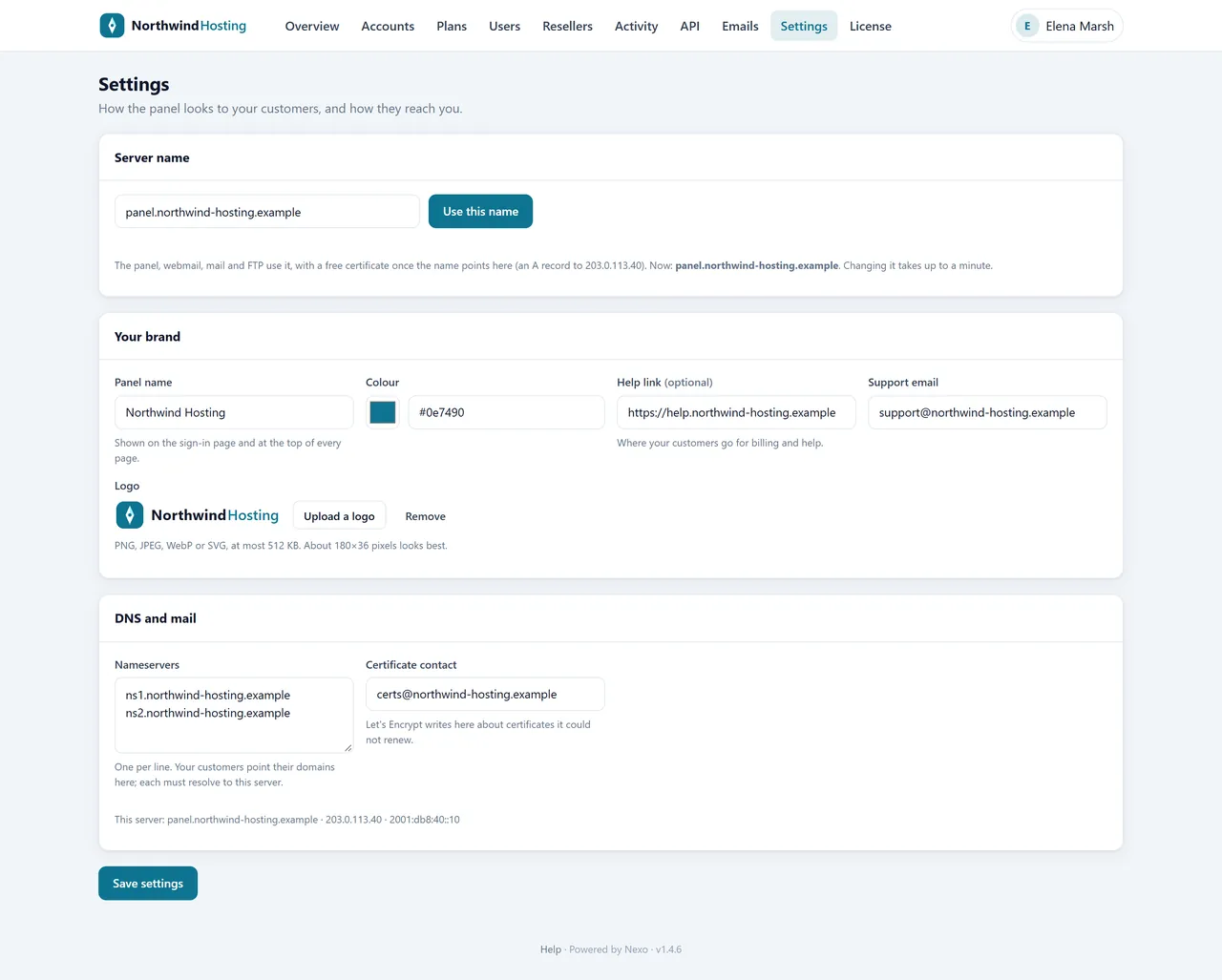
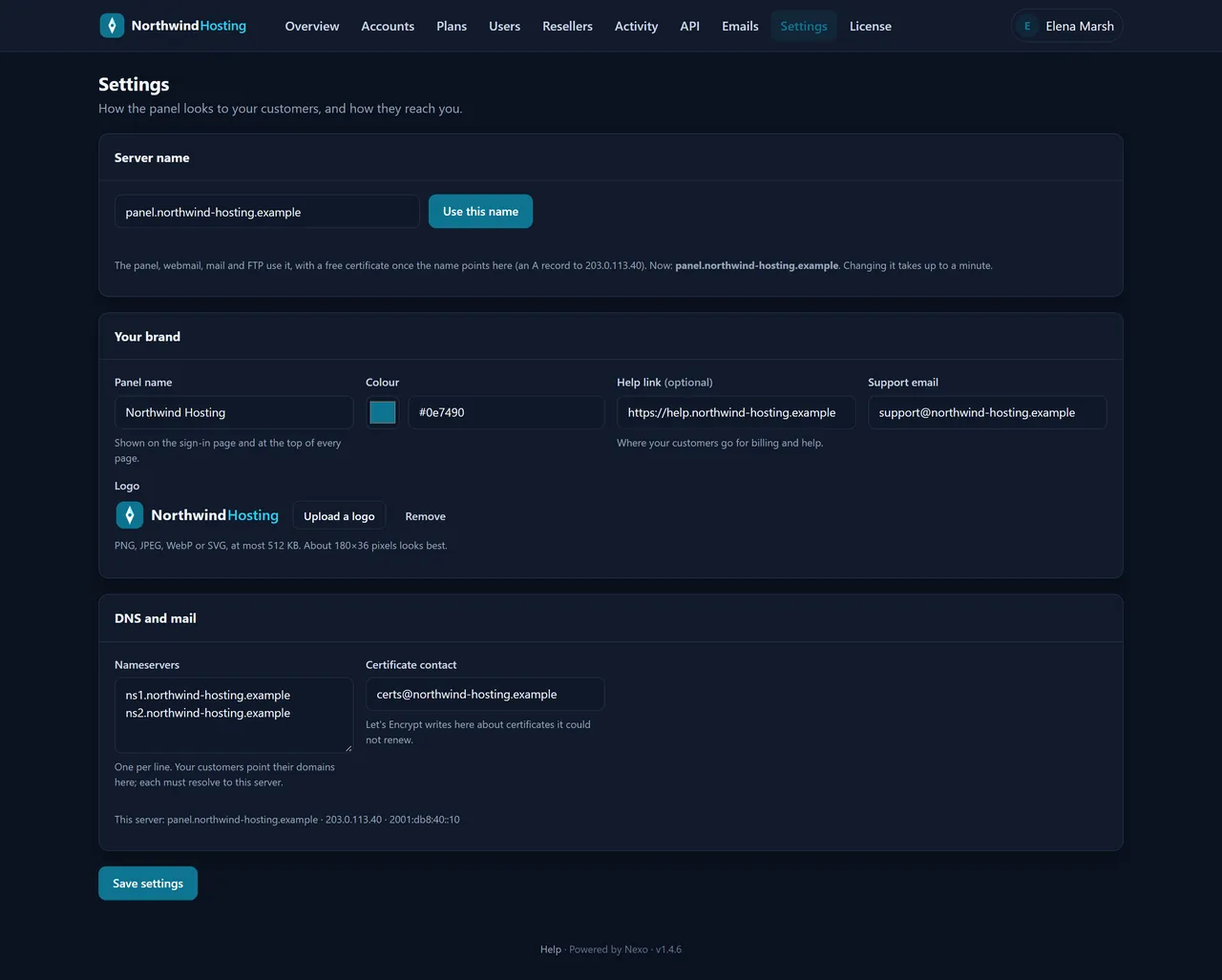
YouYour brand. Type your company’s name, pick its colour, upload the logo, add your help link and support address. Every screen your customers see changes at once.
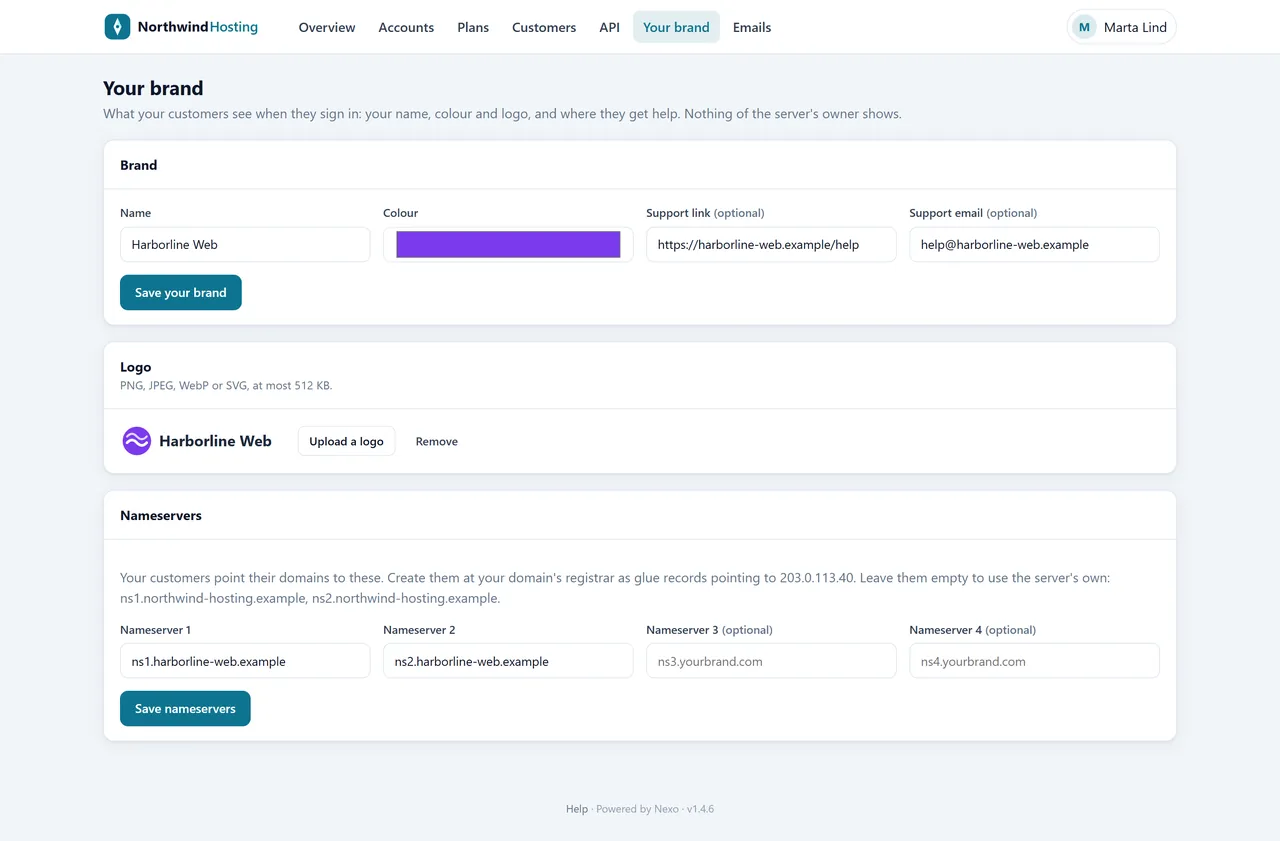
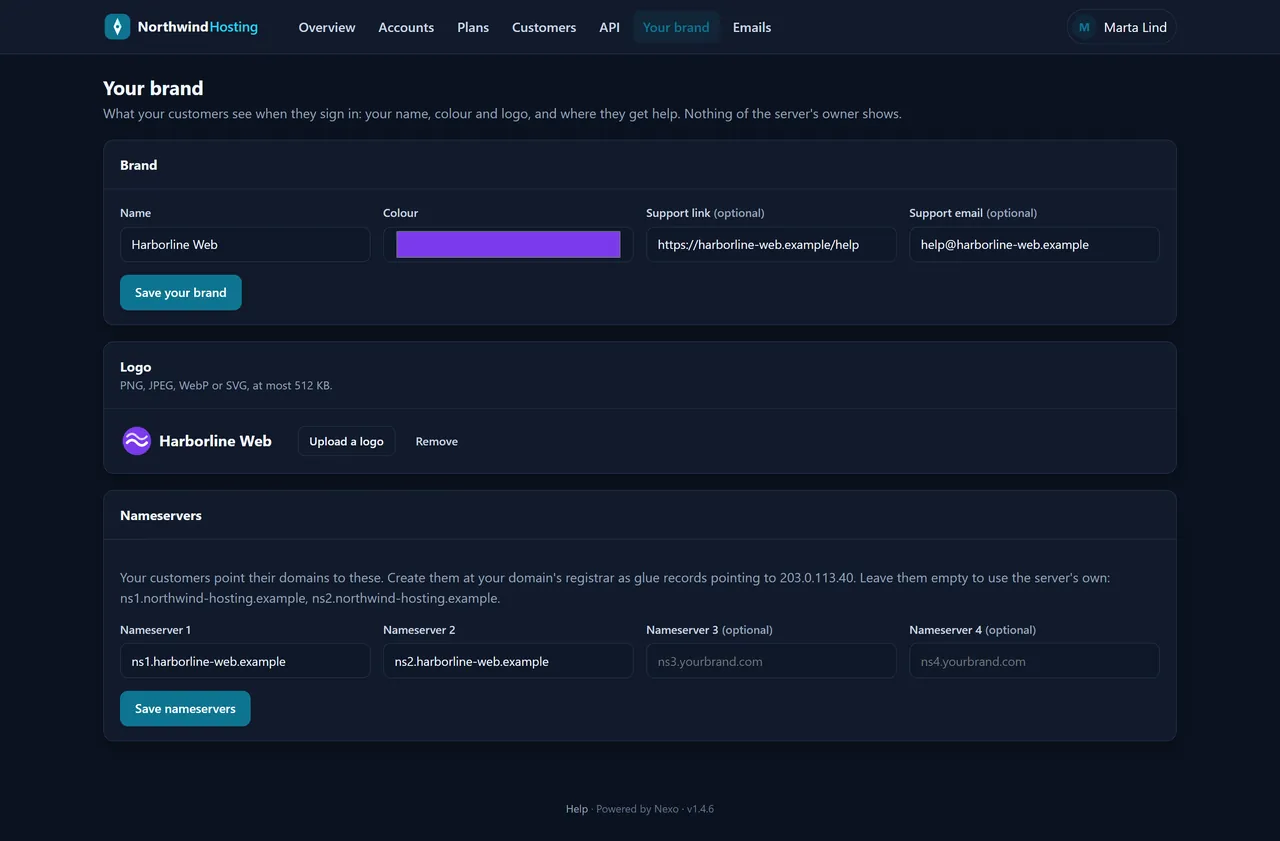
ResellersTheir brand, too. A reseller puts their own name and logo in front of their customers and sets nameservers on their own domain.
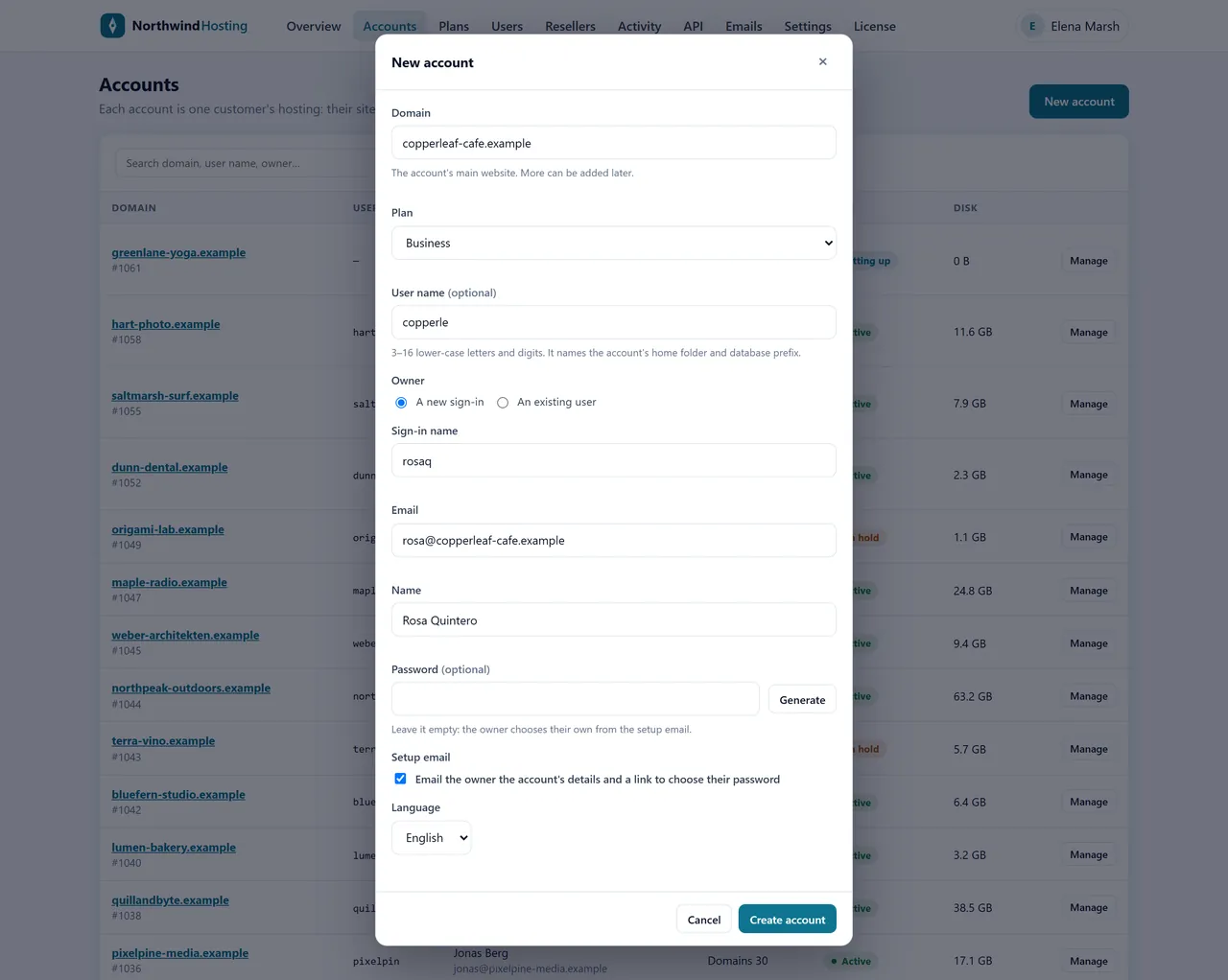
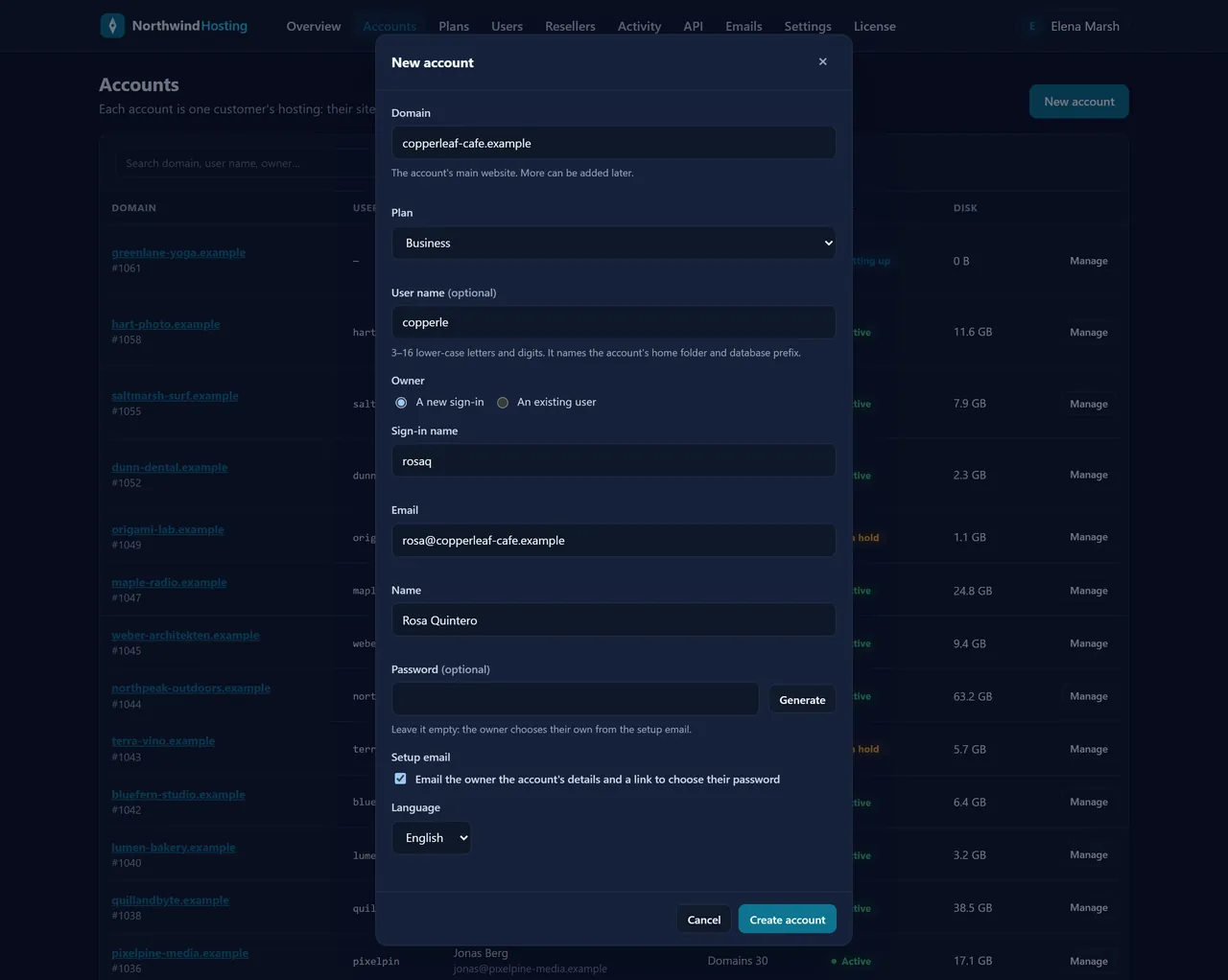
YouA new customer in a minute. Their domain, a plan, and who signs in. Nexo builds the account and emails them a link to choose their own password.
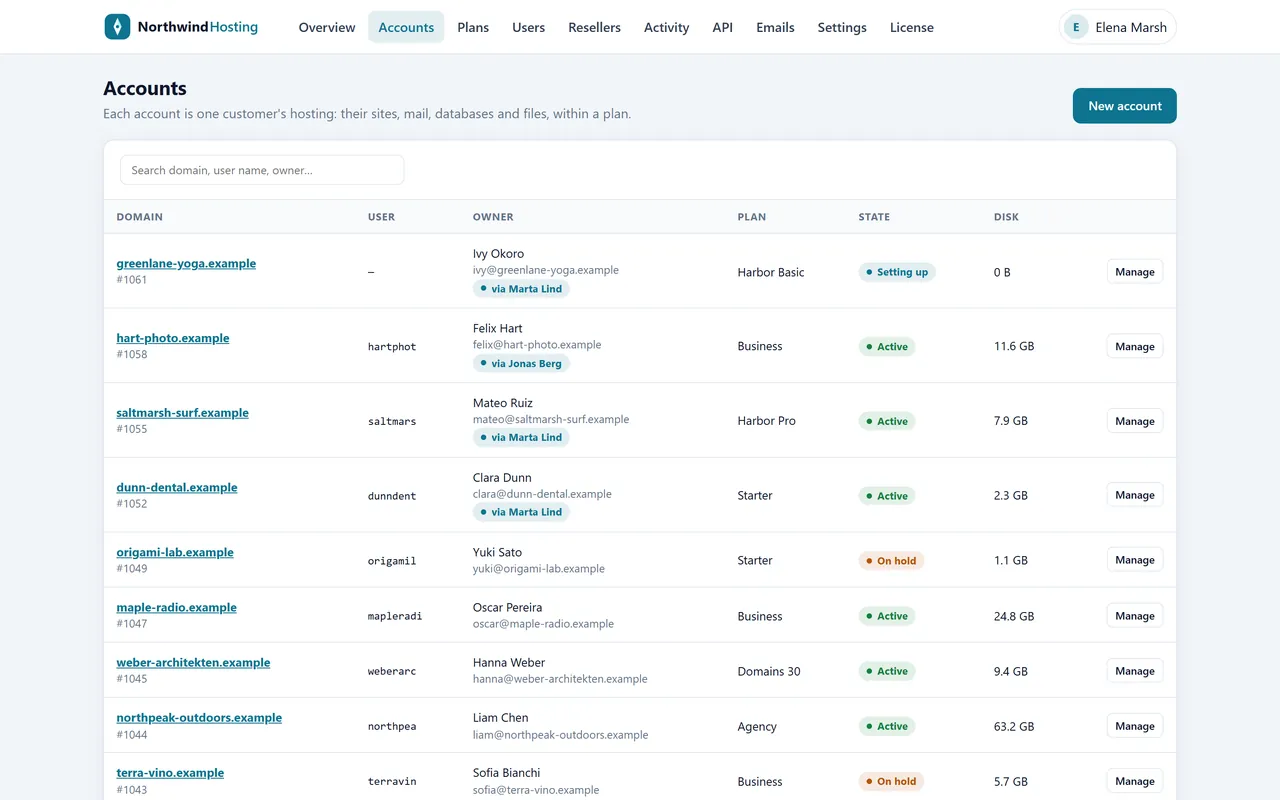
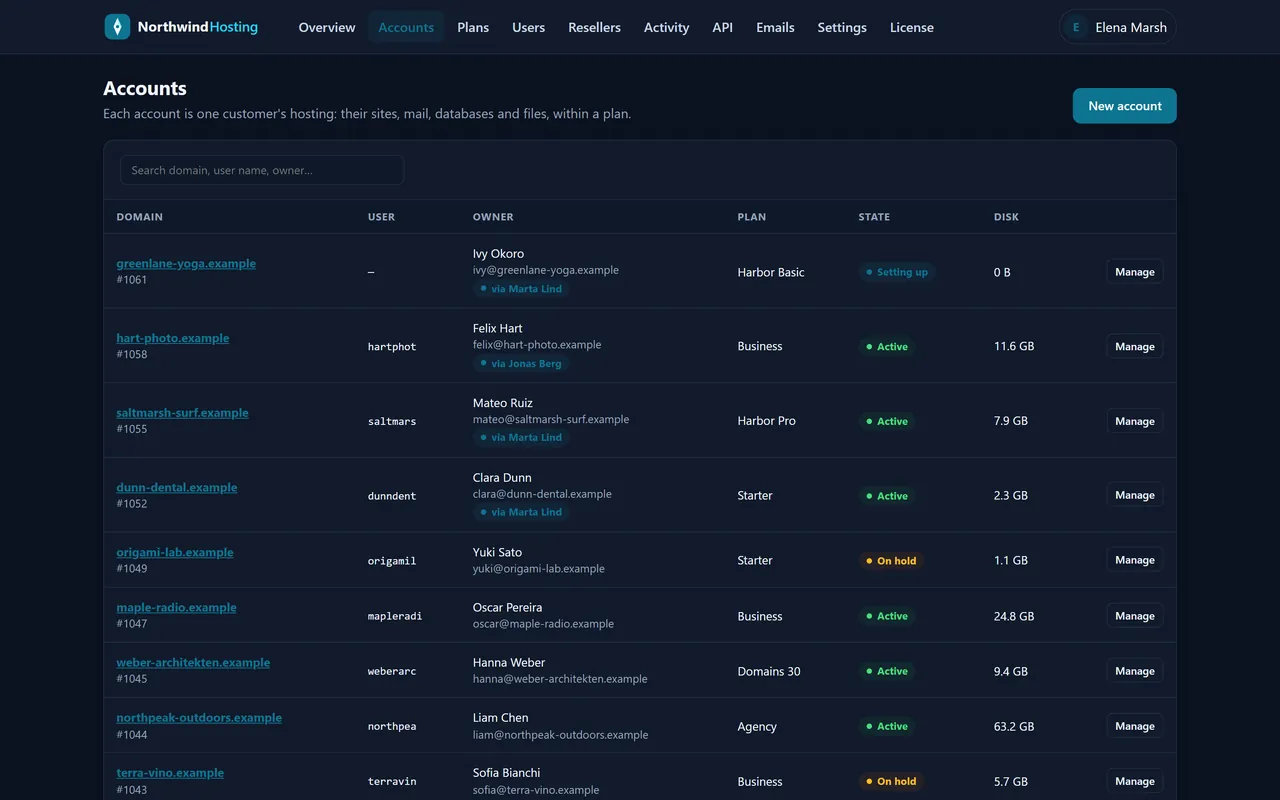
YouAll your customers. Who owns what, on which plan, how much space they use, and which accounts came through a reseller.
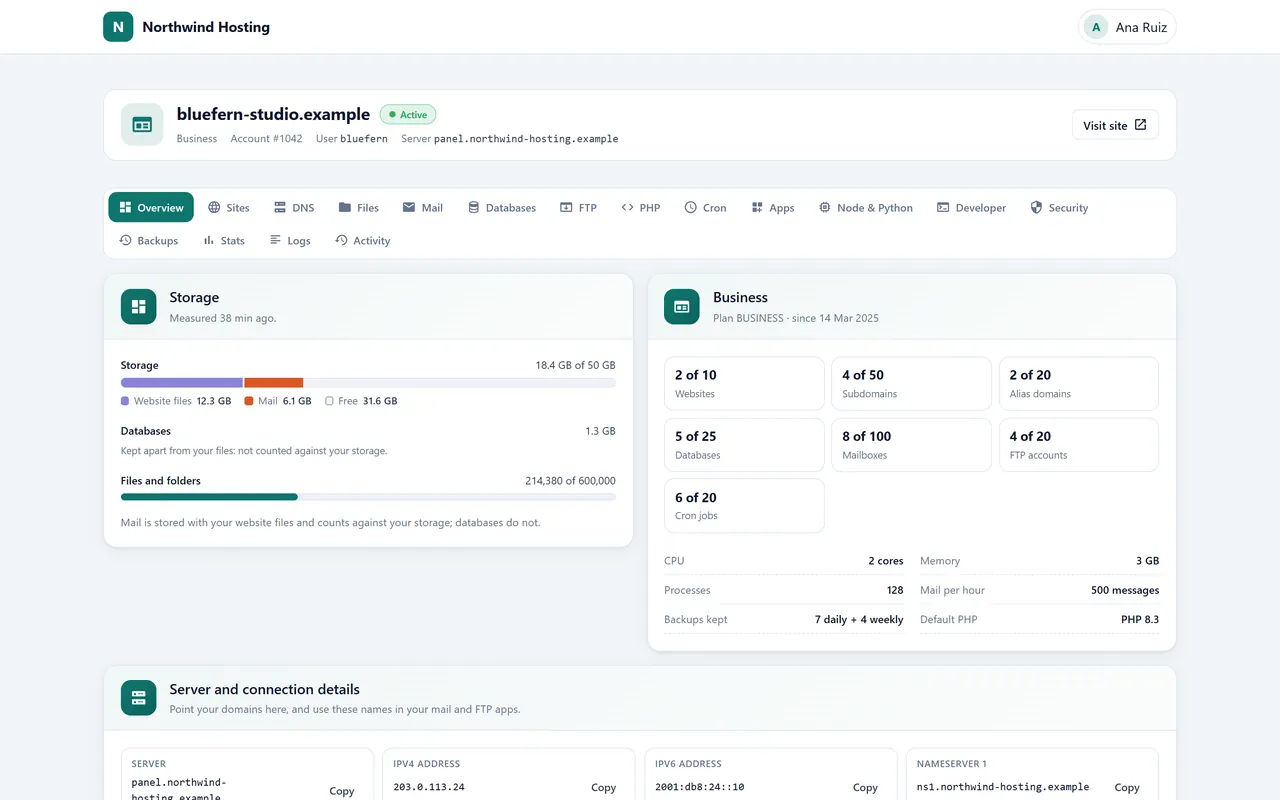
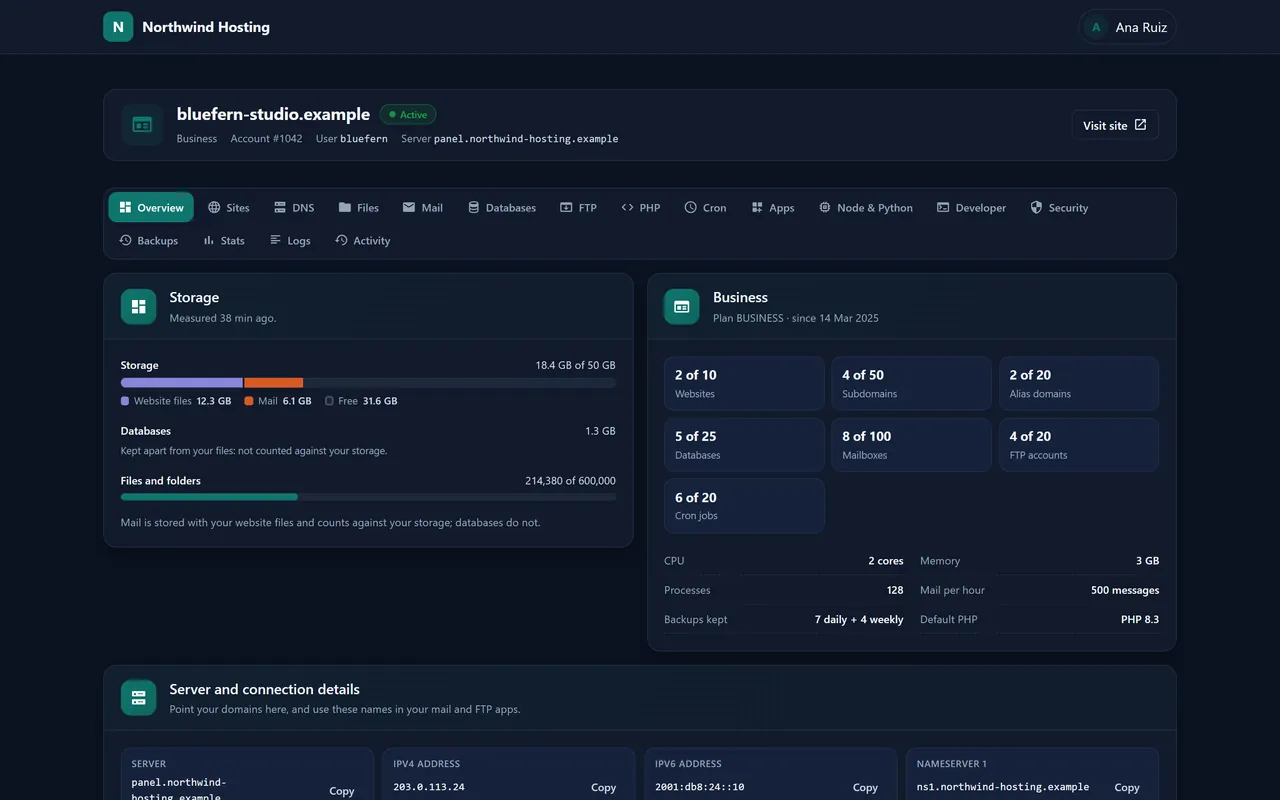
CustomersTheir home page. How much of their plan they use, the details for their domain and email apps, and how busy their websites were.
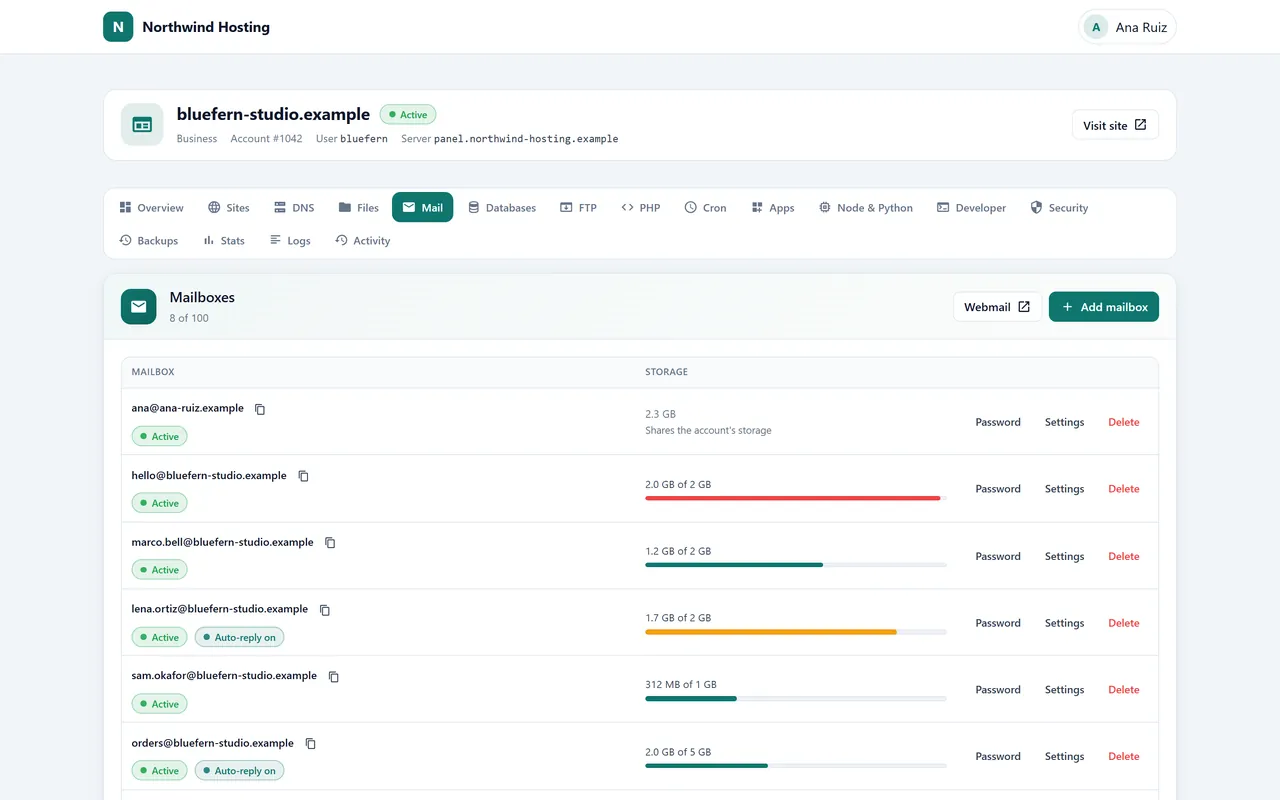
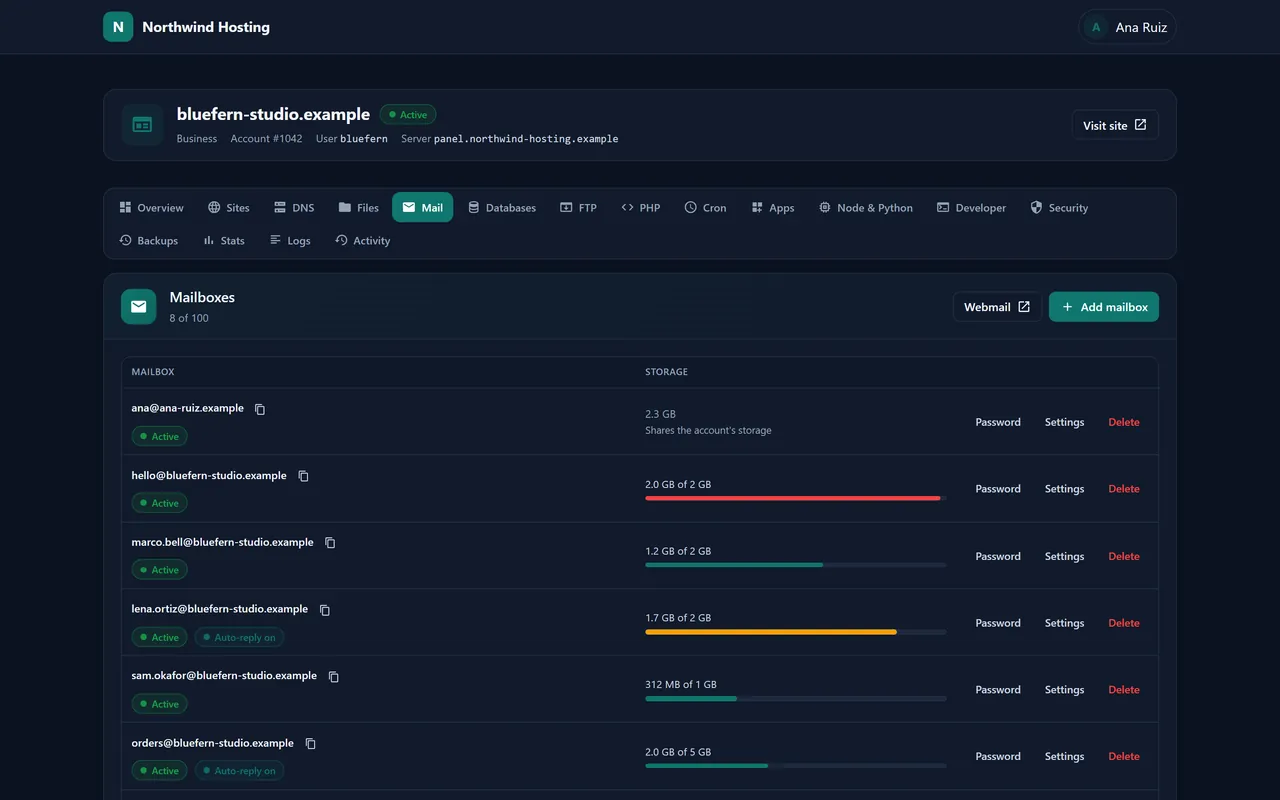
CustomersEmail. Mailboxes with their storage, forwarders, catch-all addresses and webmail, without asking you for anything.
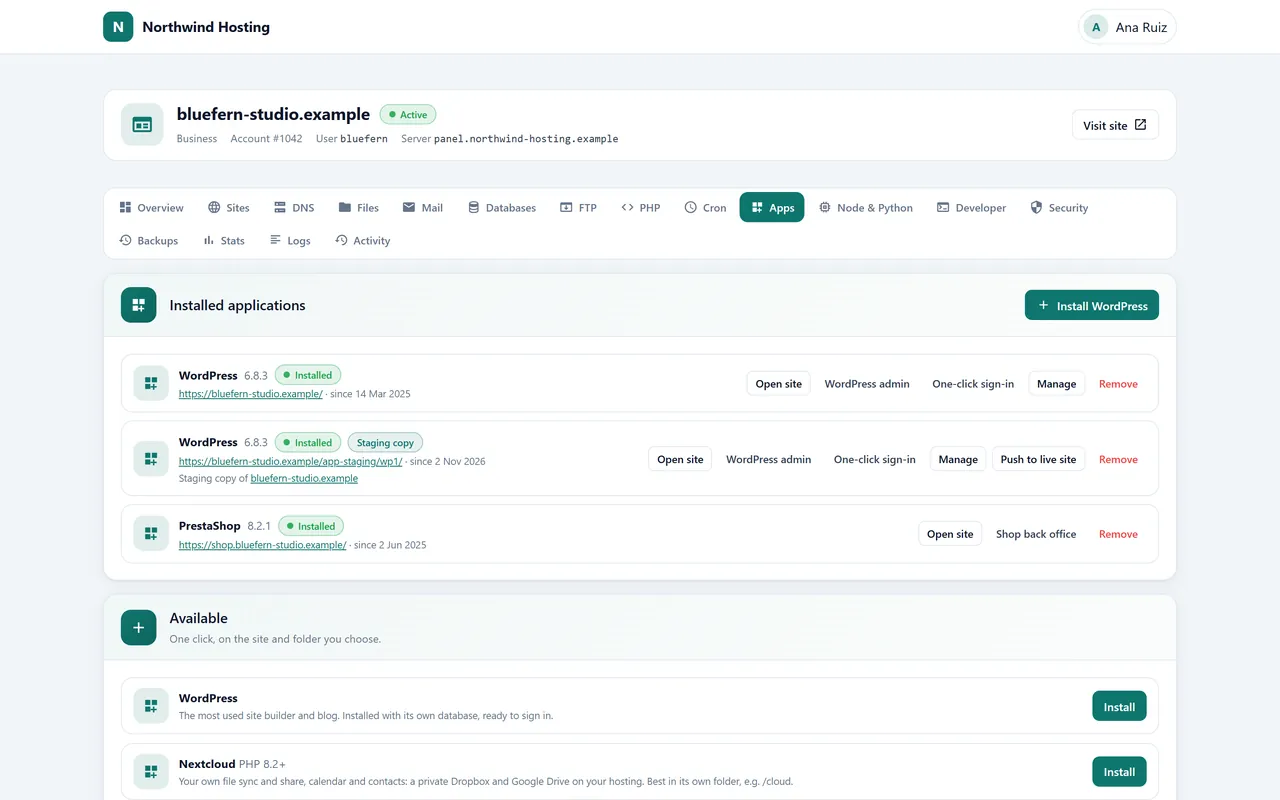
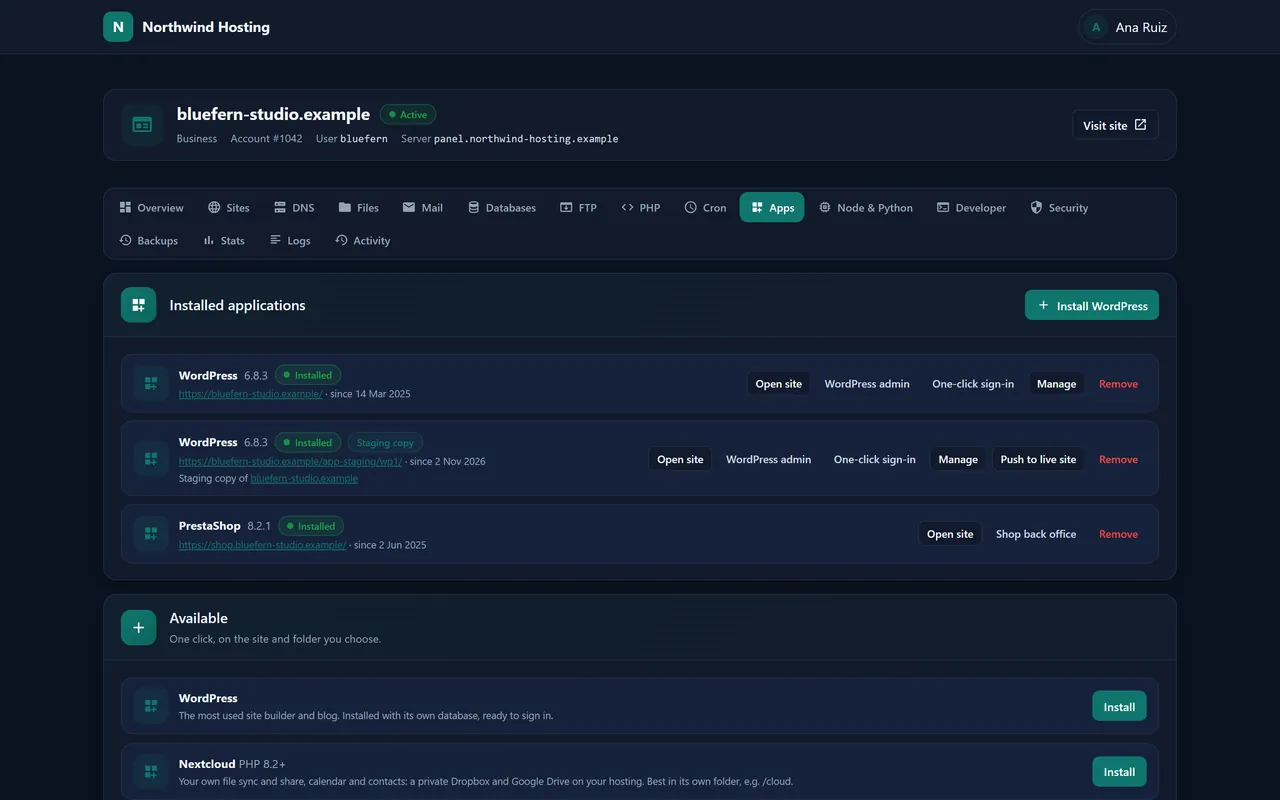
CustomersApps in one click. WordPress and five other apps, with a staging copy to try changes on before they go live.
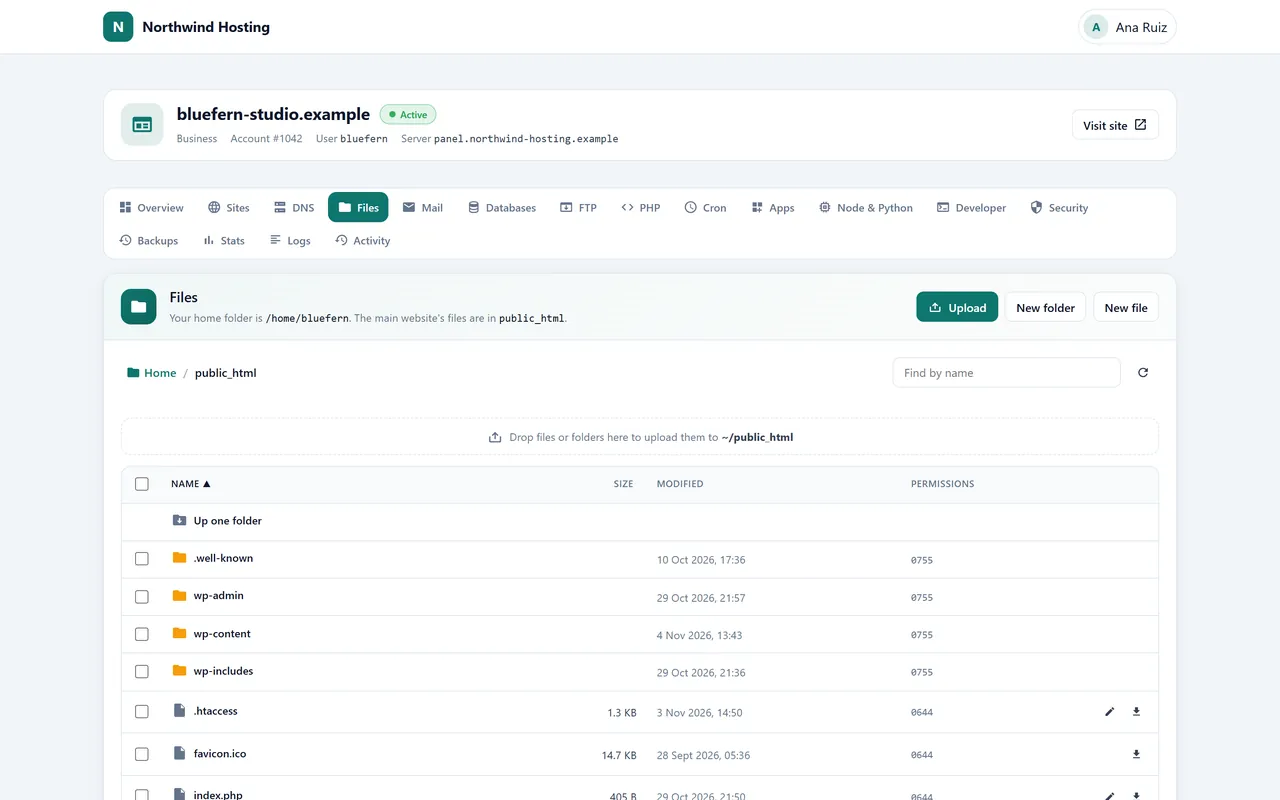
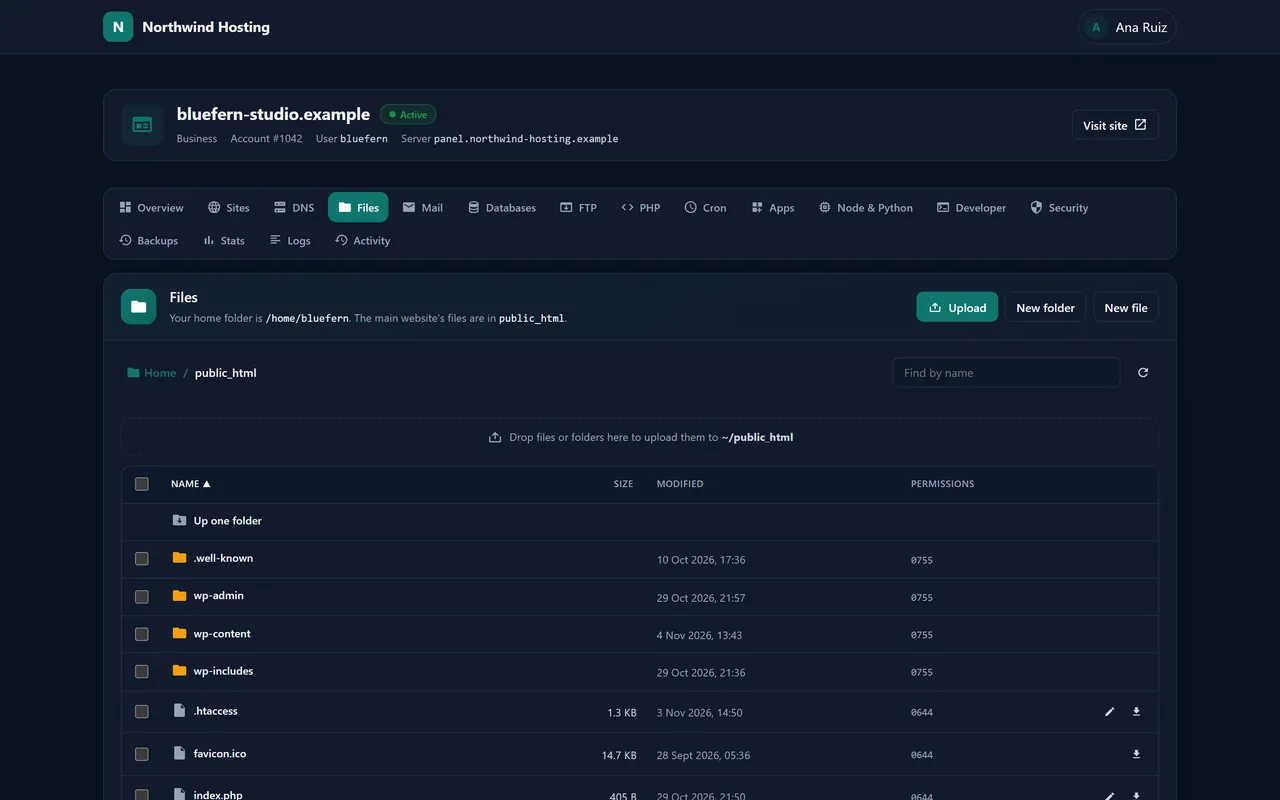
CustomersFiles in the browser. Drag in files or whole folders, edit a page, unzip an upload, all without an FTP program.
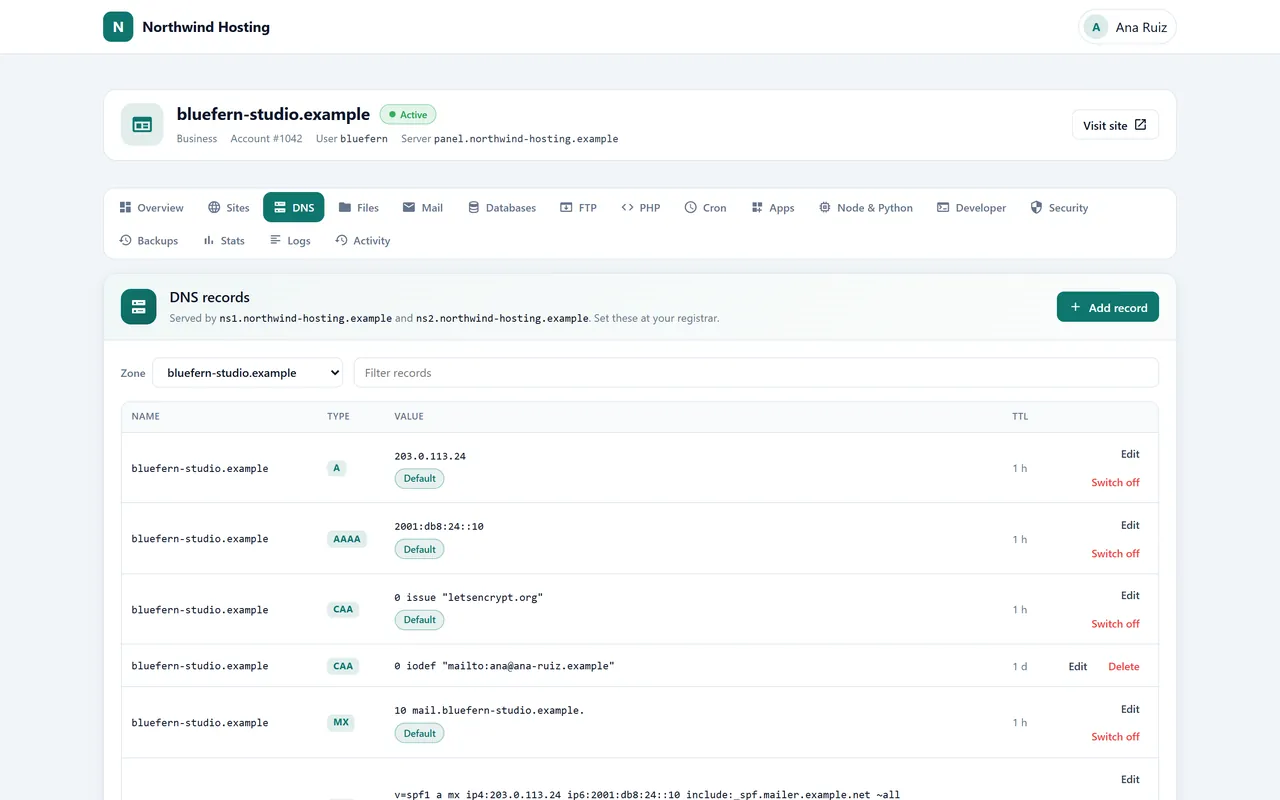
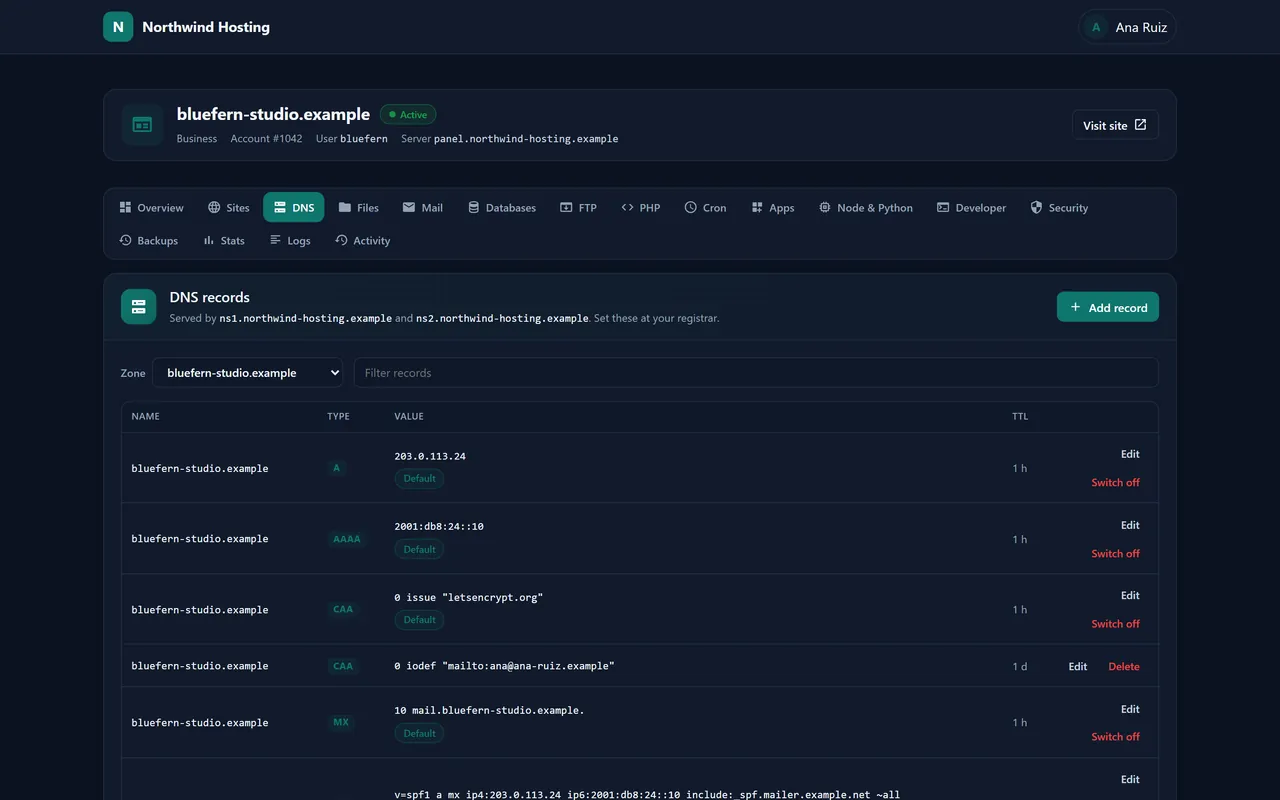
CustomersDNS records. The records email needs are already filled in; anything they change can be put back to the default.
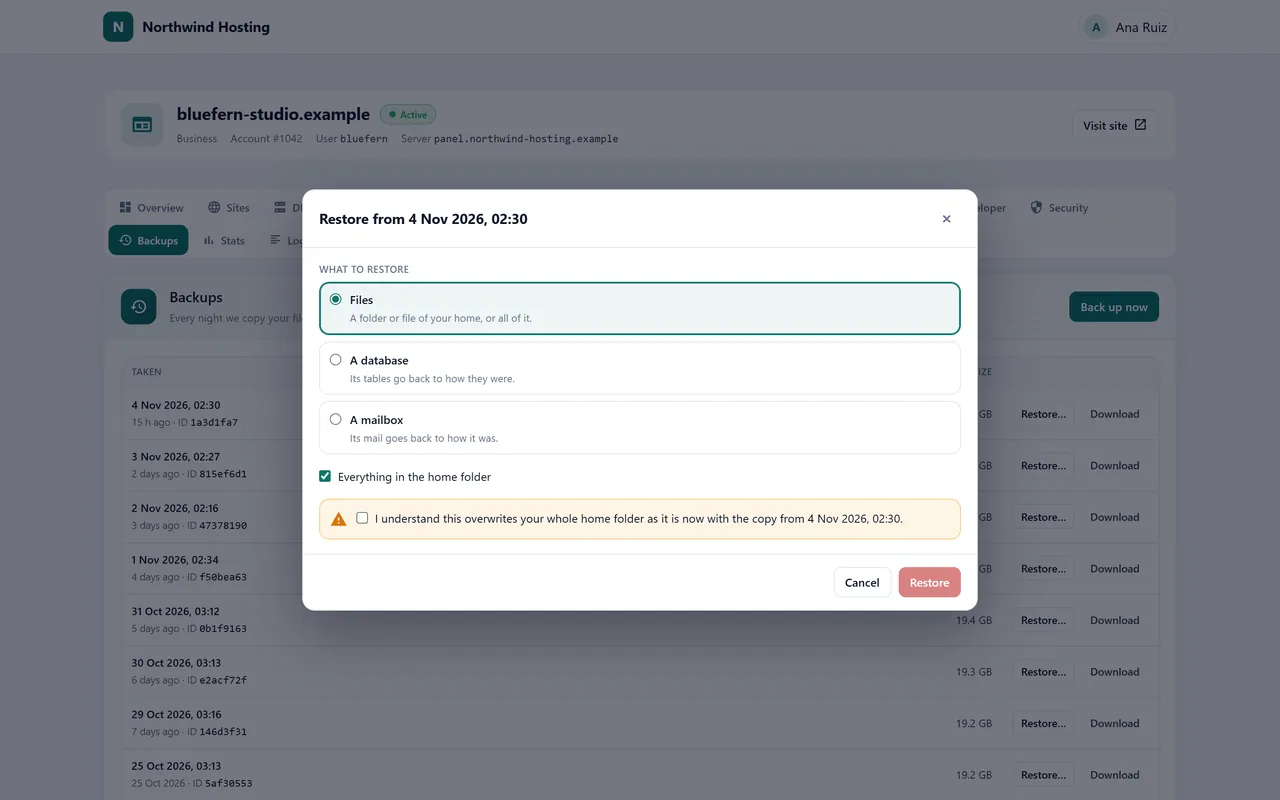
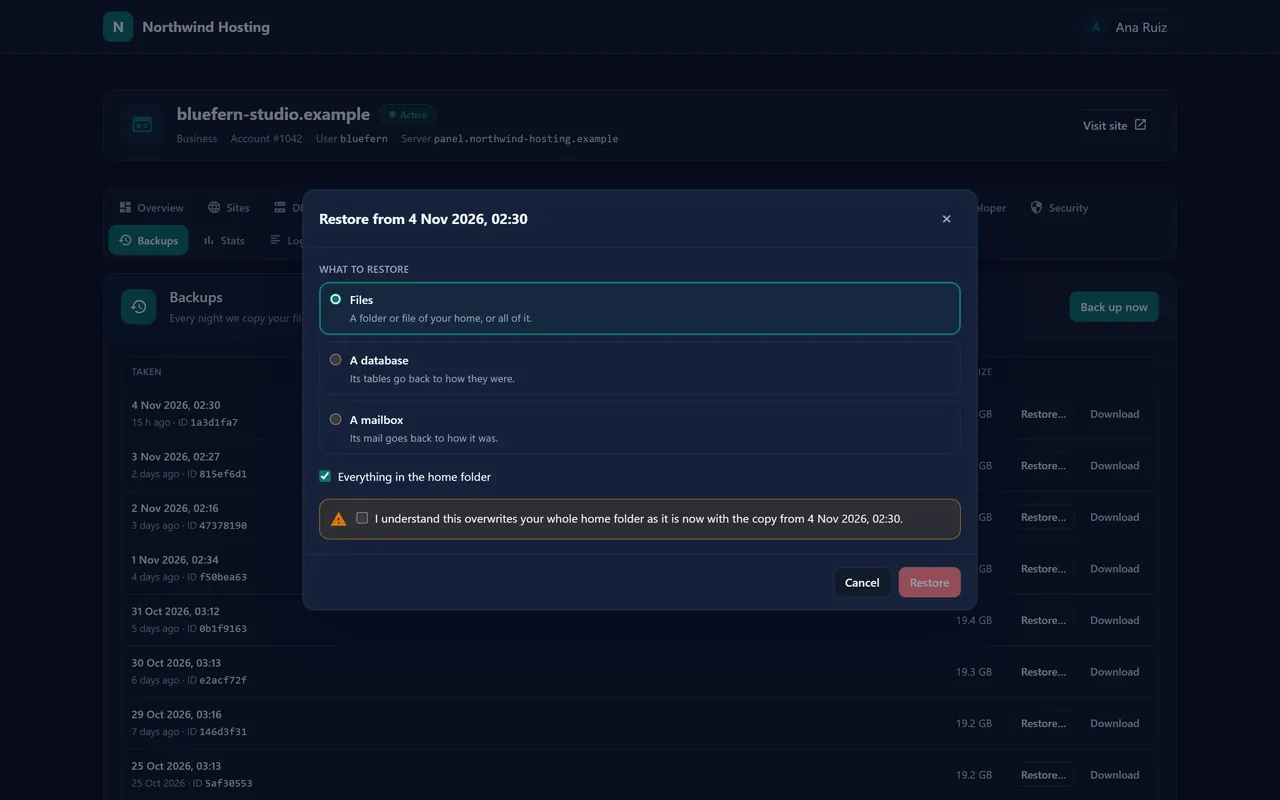
CustomersYesterday’s copy. Bring back their files, one database or one mailbox from any night’s backup, themselves.
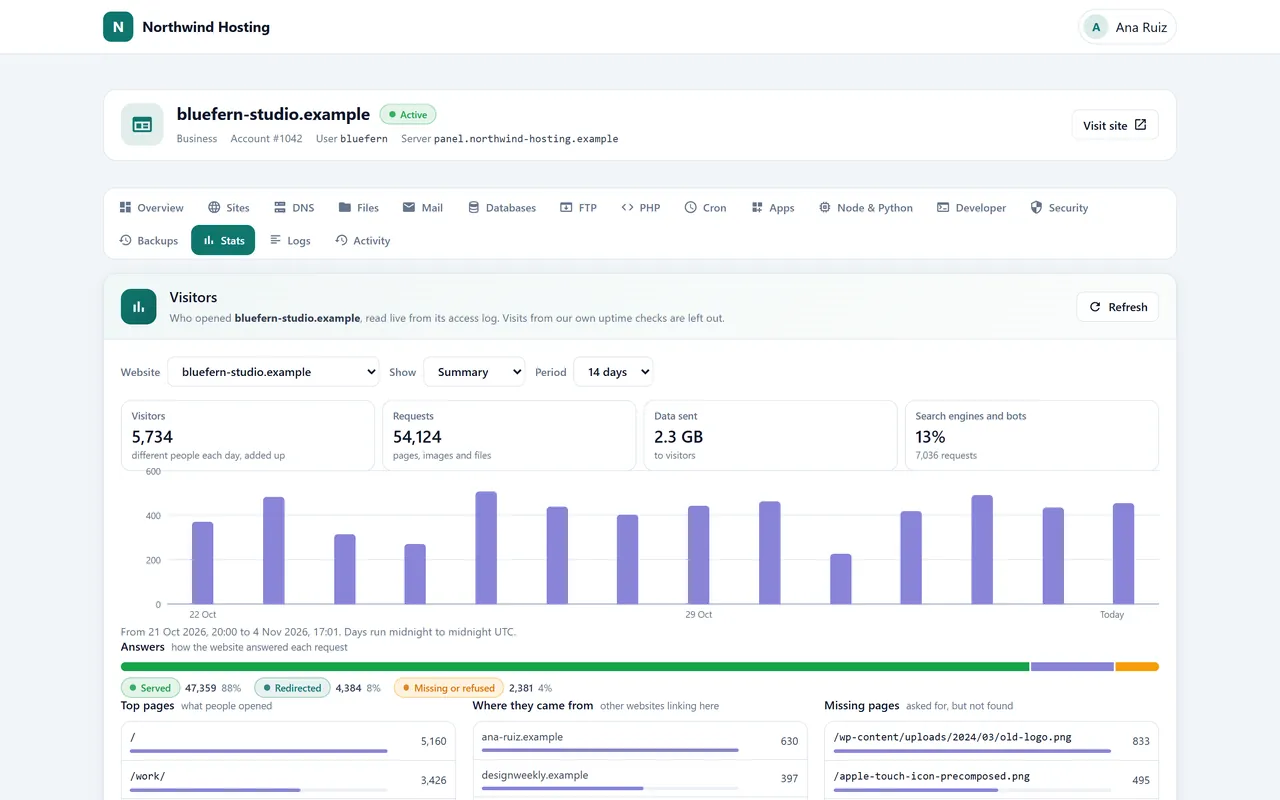
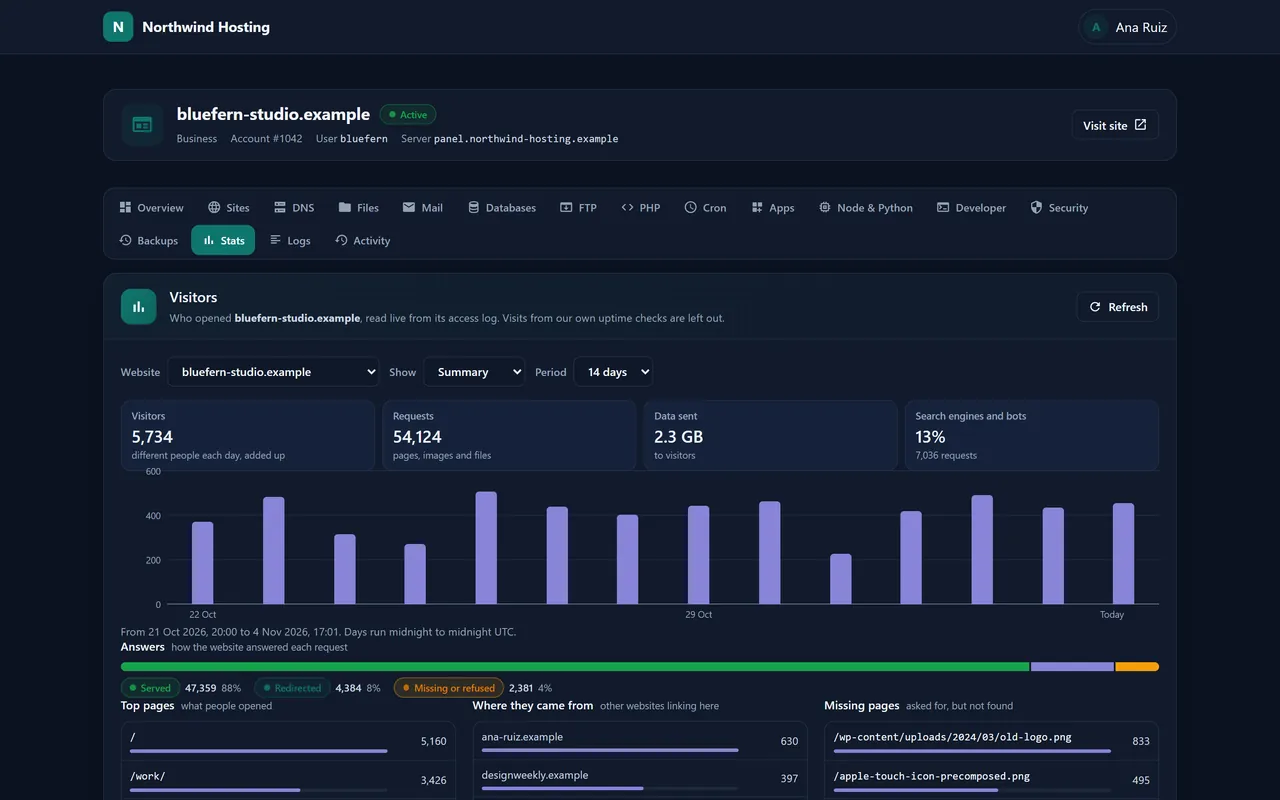
CustomersWho visits. Pages, where visitors came from and their countries, plus an outside check that every website is up.
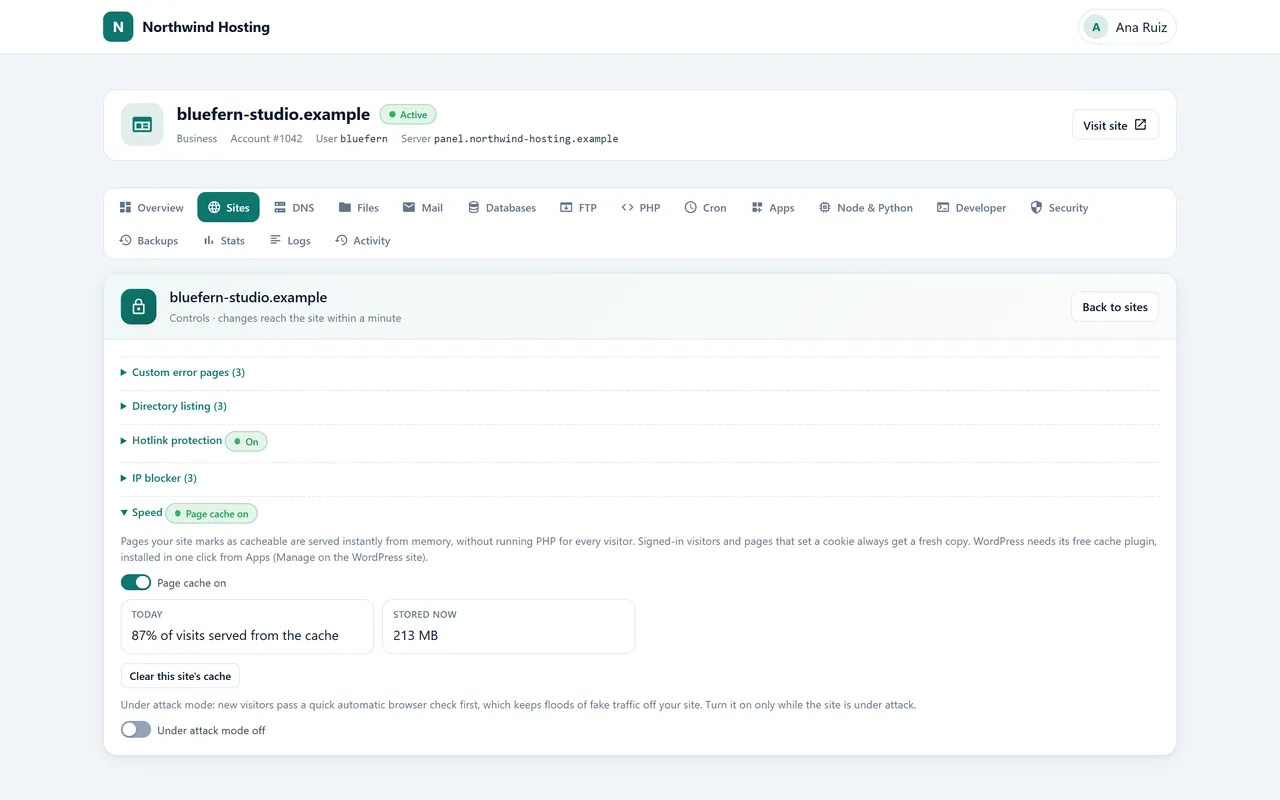
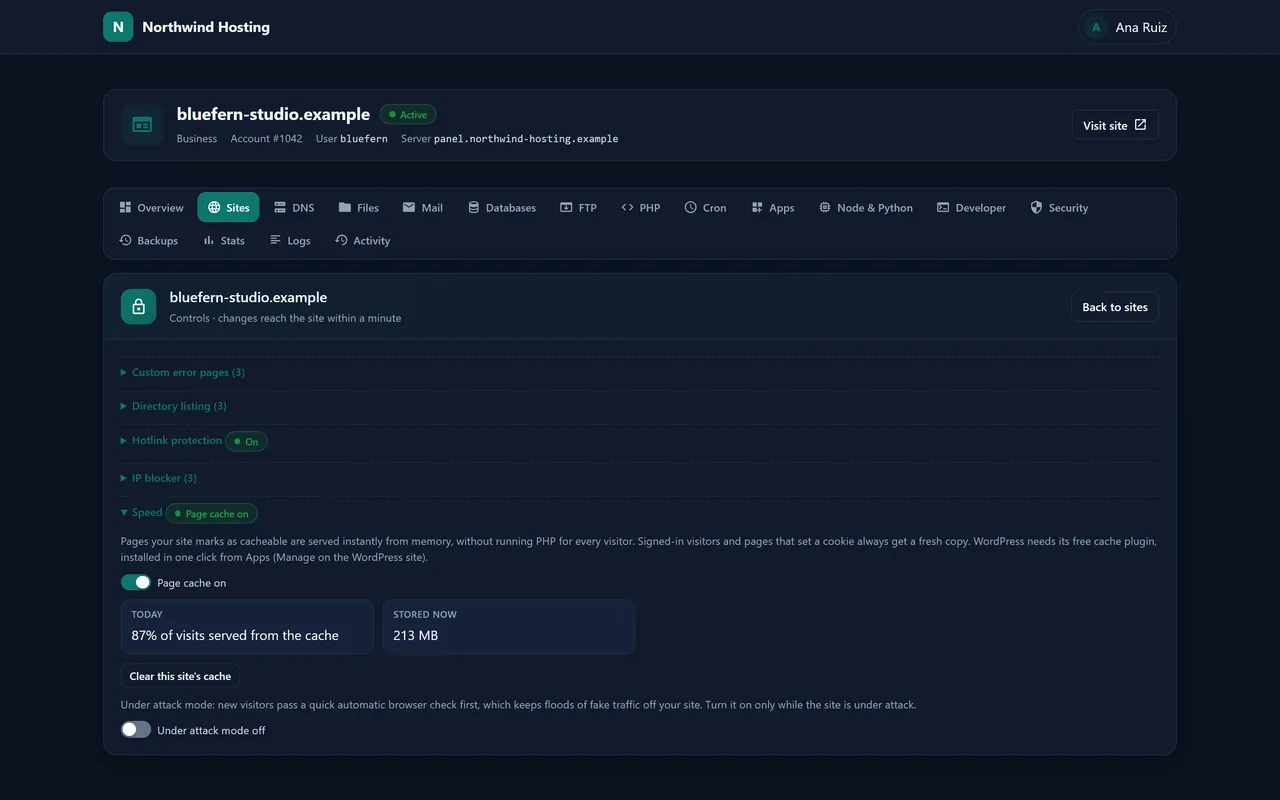
CustomersSpeed. With Nexo Turbo on, each website shows how many visits came from the cache and gets a button to clear it.
White label
Everything your customers look at carries your identity: the panel’s name at the top of each page, your logo, your colour on buttons and links, and your help link or support address. The one trace of us is a small “Powered by Nexo” line at the foot of the page.
Resellers get the same for their own customers, down to nameservers on their own domain, so even a customer who looks up their domain’s DNS finds their reseller’s name.
When a customer is stuck, open their panel as them, without asking for their password, and see exactly what they see.
Getting started
Pick one of the servers further down. The order form opens with Nexo already selected, on an operating system it runs on, and you can still change the system, the memory, the disks and the city, or take Nexo 30 Domains instead.
As soon as the operating system is on the machine, we install Nexo and switch its licence on. For a server that is already built and waiting, that happens when it is handed over to you.
Your server’s page in the Primcast dashboard shows where the panel is and its first password. Add your logo, create a plan and open your first account. The Nexo user guide takes you through each step with pictures.
Price
Nexo, per server
$45a month
€45 a month when the server is in Bucharest or Amsterdam; the dollar figure is for New York, San Francisco and Miami.
Nexo appears on your server’s monthly bill as a line of its own. The figures on this page come from the same price list our order form works from.
Have a server somewhere else?Buy the licence on its own and install it yourself. Already using Nexo?Your server’s page in the dashboard shows the panel’s address and its first password.Each price belongs to the exact build printed with it. The button opens the order form with Nexo and a system it runs on already chosen; switch to Nexo 30 Domains there if you only need a few sites.
Lowest price to start
AMD Opteron X2150 APU, 4 cores 1.1GHz · 8 GB DDR3 · 1 × SATA-SSD 32 GB · 500 Mbps
New York and Bucharest
The server, from$5 / €5a month
With Nexo: $50 / €50 a month
Choose this serverTwo drives, mirrored
Intel Xeon E5-2630L Hex Core 2.00 GHz · 32 GB DDR3 · 2 × SATA 500 GB (RAID 1) · 500 Mbps
New York, Bucharest and Miami
The server, from$70.93 / €70.93a month
With Nexo: $115.93 / €115.93 a month
Choose this serverSold in all 5 cities
Intel Xeon E3-1585L v5 Quad Core 3.00 Ghz · 32 GB DDR4 · 1 × NVMe-SSD 240 GB · 1 Gbps
New York, Bucharest, San Francisco, Amsterdam and Miami
The server, from$62.58 / €62.58a month
With Nexo: $107.58 / €107.58 a month
Choose this serverNo surprises
Questions
Not in the panel’s name, logo or colours: those are yours. A small “Powered by Nexo” line sits at the foot of each page and links to this one.
As many as the machine can carry. The full licence does not count accounts or domains; the plans you create decide how much of the server’s disk, memory and processor each account may use.
Yes. Pick Nexo Hosting Panel 30 Domains when you order your server: everything in Nexo, at a lower monthly price, for up to 30 domains. Every customer’s main website address counts, and so does each extra one they add, while subdomains are free. Reach 30 and the panel simply waits for you before adding another; the sites you already host are not touched. Switch to full Nexo whenever you outgrow it.
Yes. Make an API key in the panel, install our free WHMCS module and pick a Nexo plan for each product. New orders open accounts by themselves, unpaid ones are suspended and released, upgrades change the plan, and your customers get a button that signs them straight into their panel.
Yes. Nexo reads cPanel’s full account backups, so websites, email, databases and DNS all move across. Send us the backups or access to WHM and we move them for you.
Very likely. From their own panel they start Node.js or Python apps, connect over SSH with their keys, and push to Git repositories that publish straight to their website. All of it runs inside their own account and plan, so one customer’s experiment never touches another’s site.
Yes. Enter them in the panel’s settings, at least two, each pointing to your server. Resellers can have their own pair on their own domain.
Yes. Buy the licence on its own and run the installer on that server. It works on Ubuntu, Debian, AlmaLinux, Rocky Linux, RHEL and Oracle Linux, and on a Proxmox VE host too, whether the server is a physical machine or a virtual one, as long as no other control panel is on it.
Your customers’ websites and email carry on as normal. The panel stops accepting changes until the licence is valid again.
No. Nexo is charged at its monthly price for every month of the term; paying ahead lowers the price of the server itself.
The company that hosts your website. Their help link or email address is at the foot of your panel, right next to that line.